
Connect and share.
Connect to USB devices shared by another PC, or share devices attached to yours. Client and server controls live in one app.
USB/IP FOR WINDOWS
Bring USB devices from another PC to your Windows desktop. RemoteUSB is a free, open-source app for connecting and sharing USB over your network.
Windows 11 · x64 / Free & open source
YOUR DEVICES. ONE PLACE.
Find, connect, and share. Manage your devices in one familiar interface.
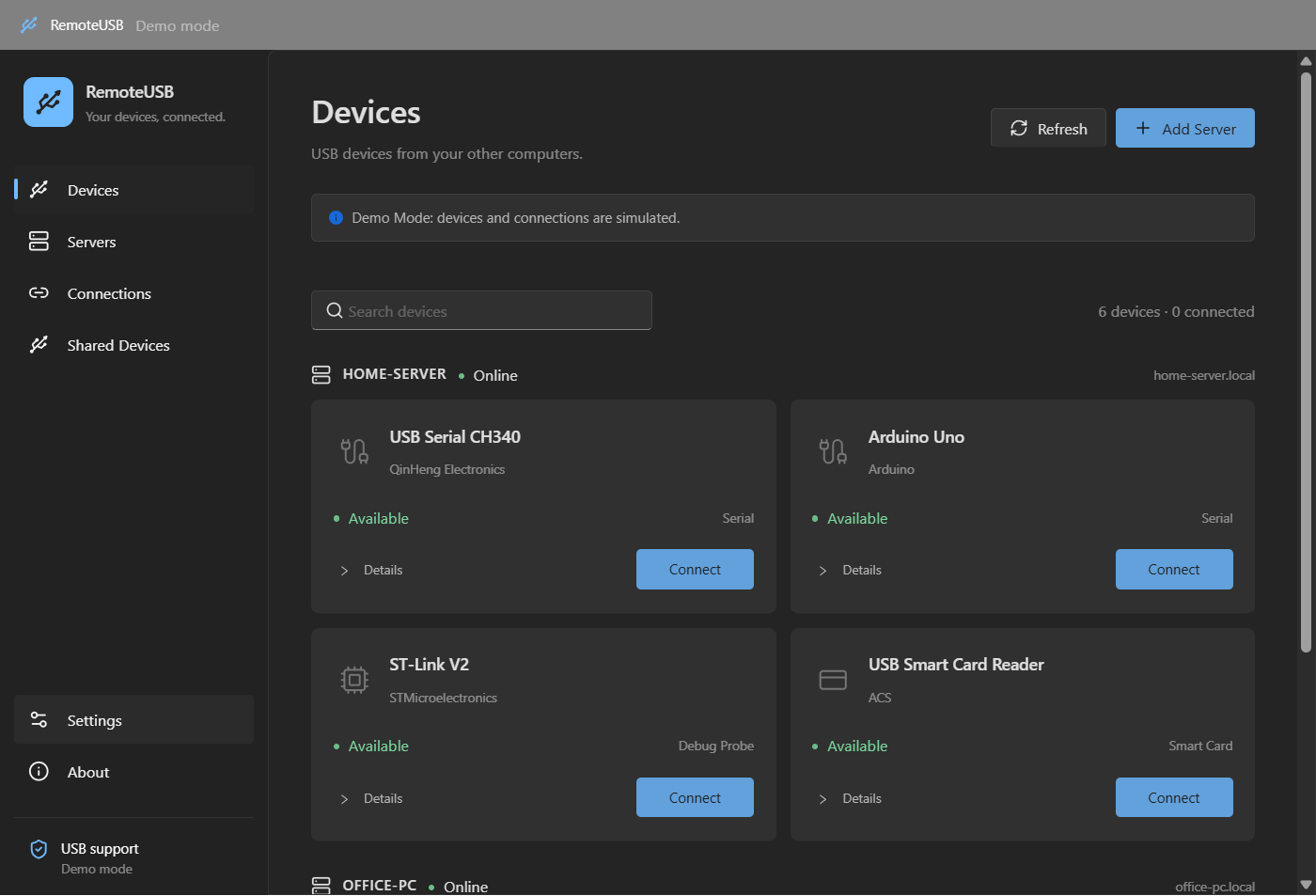
BUILT FOR YOUR WORKFLOW
Connect to USB devices shared by another PC, or share devices attached to yours. Client and server controls live in one app.
Search devices, manage servers, and check connection status. Enable automatic reconnection for individual devices.
Choose light or dark mode and one of four languages. Keep RemoteUSB in the system tray, ready when you need it.
Get the Windows installer from SourceForge and run setup.
Share a USB device over a trusted LAN or VPN, then add the server hostname and port.
Refresh the list and connect to your device. Find detailed setup instructions in the guide.
FREE & OPEN SOURCE
Download RemoteUSB and get started with your own setup.
Download from SourceForgeEarly-stage software. Check the guide for hardware compatibility and requirements.
Explore the source